
DAMP & TIMBER SURVEY SOFTWARE
Damp and timber.
One clear record.
Keep timber findings alongside the damp inspection, with a simple room-based workflow and a report that carries your company branding.

Seven days free. No card required. No automatic charge.
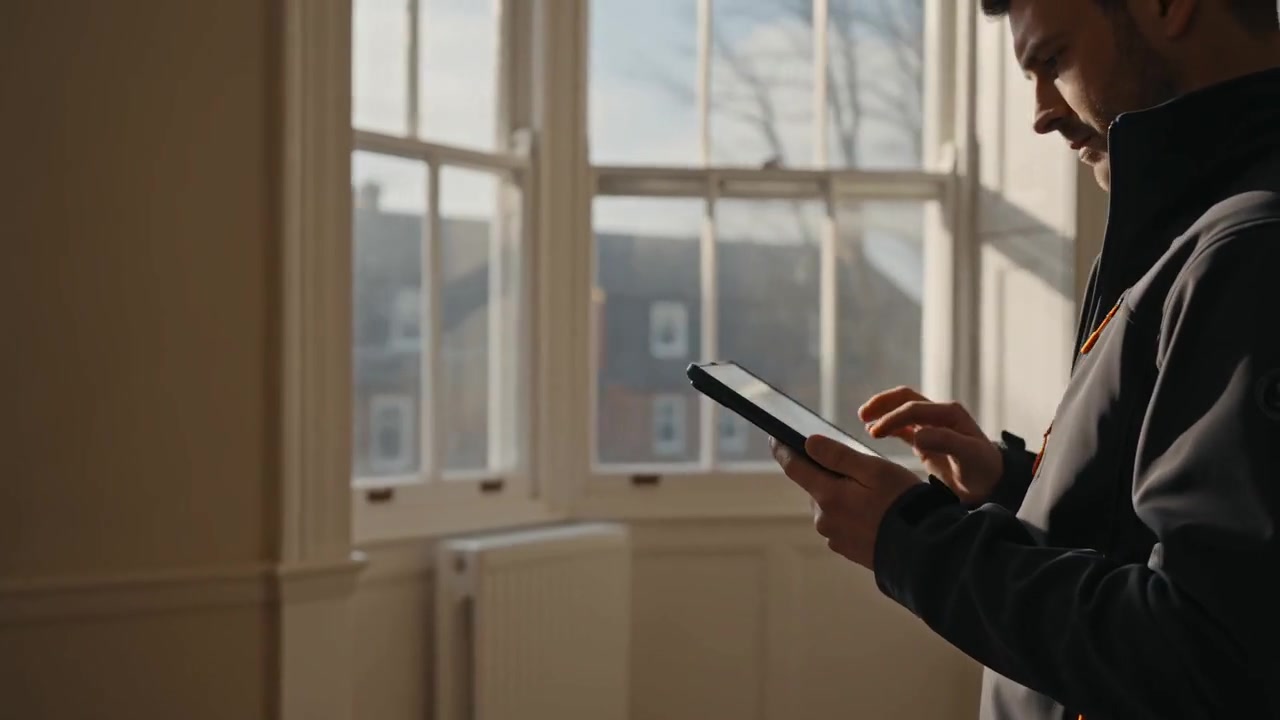
Record timber details beside the affected area
A timber finding can sit in any inspected room, cellar or roof space. Select the relevant recorded detail, such as deterioration or decay, insect damage or activity, damp or staining, damage or movement, or another timber finding. Add the location, describe what you observed and record your recommendation. Different elements can have separate findings rather than being forced into one general note.
Keep photographs close to the finding
Take or choose multiple images and attach them to the room or the individual timber finding. Captions help distinguish an overall view from a close detail. Photo annotations let you mark the part of the image you want the reader to notice. This keeps the written observation and its supporting photograph together in the report workflow.
Carry relevant access limitations into the report
Use the room limitations field to explain where fitted coverings, stored items, a hatch-only view or concealed construction restricted the inspection. Record the visible findings in the areas you could inspect. The report keeps those limitations with the room. Blank preset rooms do not appear simply because they were available in the editor.
Give the client one branded report
Damp and timber content is presented in the same PDF, with the property details, executive summary, external observations and recorded room findings. Add your company logo, contact details and surveyor information. Your signature is applied only when you explicitly sign off the report after review. You can keep the wording compact or use optional professional wording assistance, then edit the result before acceptance.
PRACTICAL DETAILS
Before your next visit.
Can I record both damp and timber issues in one room?
Yes. A room can contain several findings of different types, each with its own location, wording and photographs.
Does the app automatically identify timber decay or insect species?
The workflow records the findings and descriptions entered by the surveyor. It does not replace inspection, identification or professional judgement.
Can I include cellar and roof-space findings?
Yes. Add the inspection areas you need and record the visible condition and relevant access limitations for each one.
More surveying.
Less report writing.
Bring your photographs, observations, recommendations and reports together in one focused workspace.