
OFFLINE SURVEY APP
Signal comes and goes.
Keep the visit moving.
Prepare the app before you travel, capture notes and photographs on the device, and reconnect for cloud backup and professional wording.

Seven days free. No card required. No automatic charge.
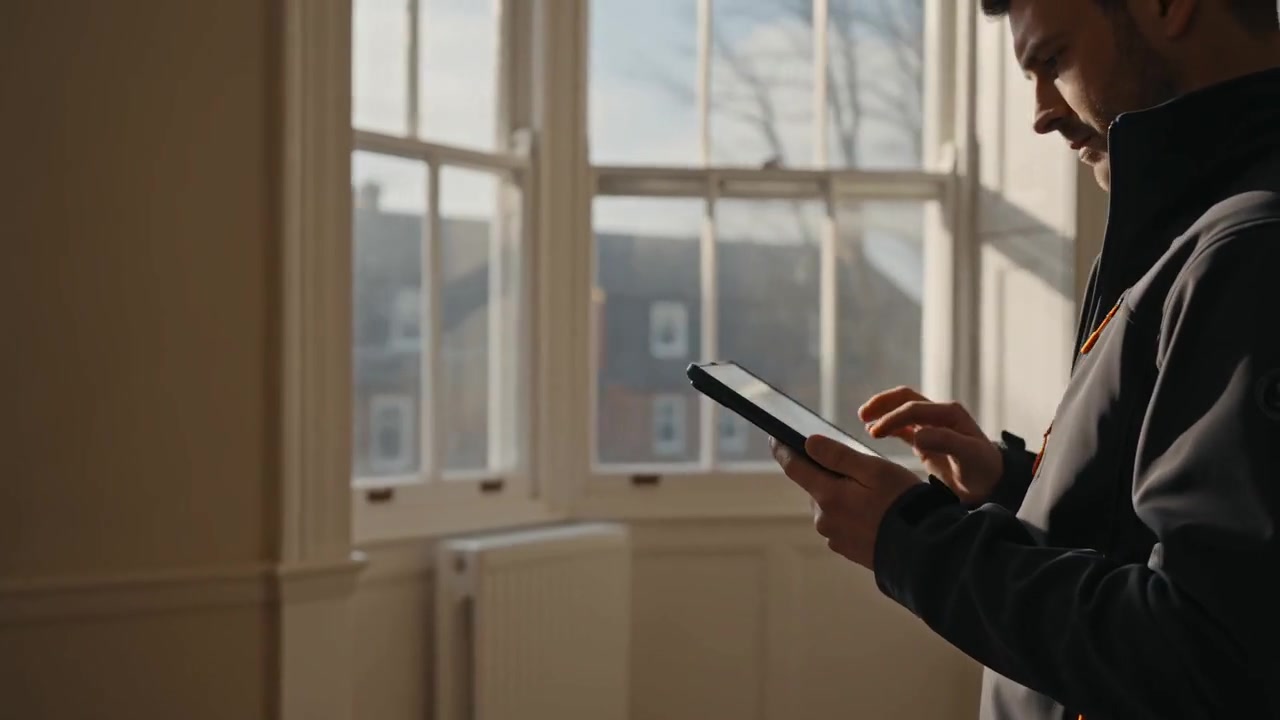
Prepare while you have a connection
Open Survey Smarter online before your visit and check Device & offline. Make sure the app files are cached and the surveys you need are present on that device. If you use the home-screen app, open it and confirm you can reach the intended workspace. Test airplane-mode reopening on your own phone before relying on it at a job.
Use the phone as a field workspace
The phone and tablet layout keeps room photographs and Save & next close to hand. Capture the property image, add room photos and write brief notes as you move through the building. Leave fuller observations and recommendations until you have time to finish them. An installable web app provides home-screen access without requiring an app-store download.
Understand what needs a connection
Notes and image files save to the browser’s device storage. Optional professional wording, customer sign-in, app updates and cloud synchronisation need an internet connection. An offline copy should already be prepared. Account and trial access rules still apply, and your device should be checked before you leave an area with signal.
Reconnect and check the backup
With private cloud backup connected, open the app online and allow pending work to synchronise. Check the sync status before changing devices. On another device, use the same account and connect cloud backup to restore available surveys. Keep an occasional downloaded device backup as well, particularly before clearing browser data, changing browsers or replacing a phone. Device storage is useful, but should not be your only copy of important work.
PRACTICAL DETAILS
Before your next visit.
Will the app work if I have never opened it online?
Prepare it online first. The app files, account access and the survey records you need must be available on that device before an offline visit.
Does professional wording work without signal?
No. Professional wording needs a connection. You can record your own notes first and request wording help after reconnecting.
Is it a downloadable phone app?
It is an installable web app. Use Get the app in a supported browser for the steps for your phone or tablet. Check the installed app and offline readiness on the actual device you use.
More surveying.
Less report writing.
Bring your photographs, observations, recommendations and reports together in one focused workspace.